How do I chat with my coach during a group session?
Web:
After connecting to your group session, you’ll notice a chat box at the bottom of the screen.
There are two chat rooms:
- Group Chat
- You’ll primarily comment and reply through the group chat.
- Private Chat
- If you need to send your coach a private message, use the Private Chat room.
iOS/Android App:
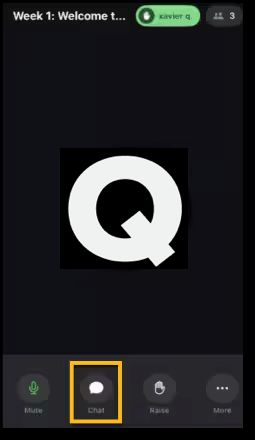
How do I raise my hand during a group session?
You can raise your hand if you’d like to add something to the conversation or if a coach asks a question that you’d like to respond to.
Web:

iOS/Android App:
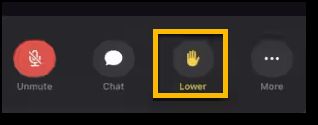
How can I mute/unmute my microphone during a group session?
Your microphone is off by default in a group. If you want to ask a question or contribute to the conversation, click the microphone icon at the bottom of the session window. This will send a request to the coach to enable your microphone.
Once your microphone is turned on, your coach and the group will be able to hear you.
Web:
- Click the microphone icon to turn on/off

iOS/Android App:
- Click the microphone icon to turn on/off
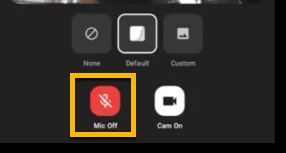
Your microphone will turn green when access is granted.